
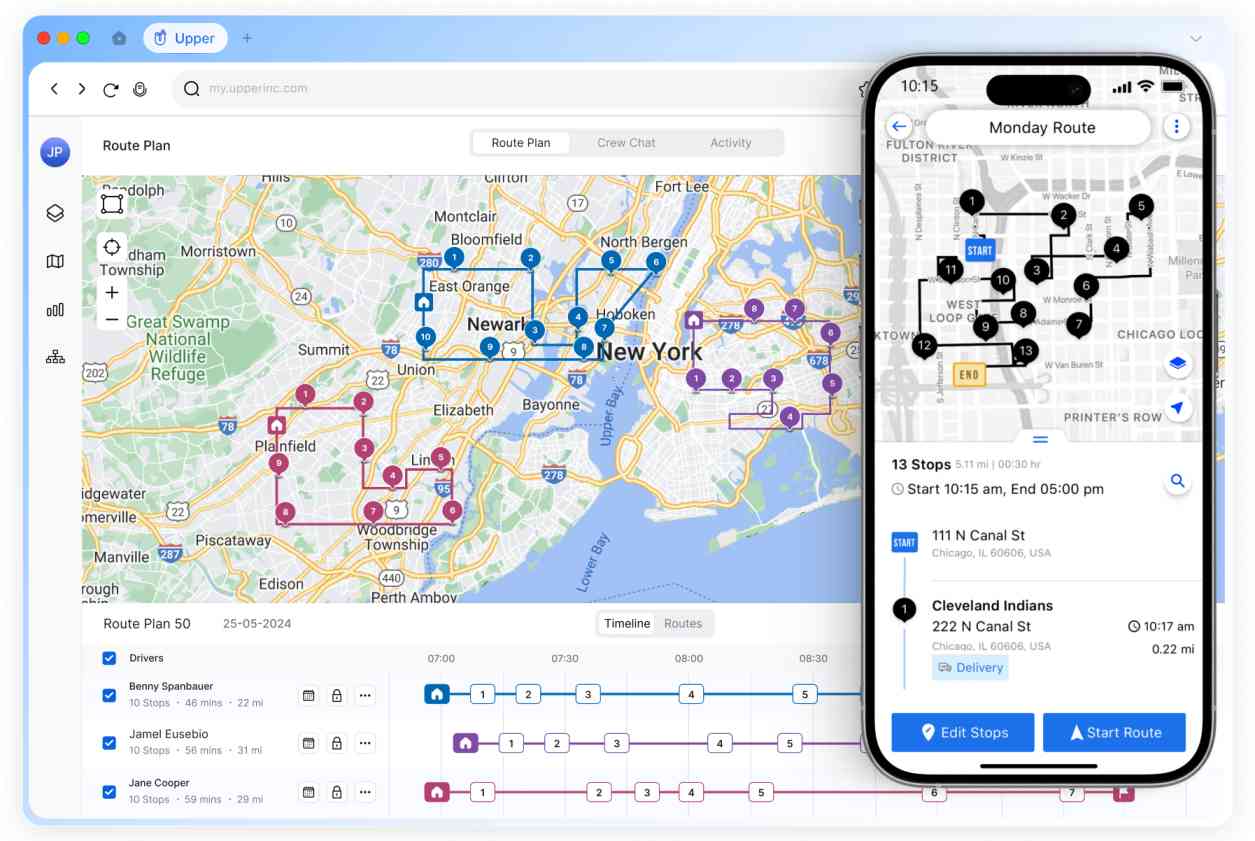
All-in-One AI Dispatch and Route Management Software for Multi-Stop Teams
Keeps the working day moving.
Upper is the suite for multi-stop teams. Plan the day, assign the work, and adjust when something changes — with AI handling the routine so your people stay on the decisions that matter.



ONE WORKING DAY
From the morning plan to the midday mess — one system.
You build the day in the morning. Then a driver cancels, a stop runs long, or new work shows up. Upper updates the same plan instead of making you start over.
See how Upper works- A driver no-shows
- A stop runs long
- New work shows up mid-route
- A time window is about to miss
- Capacity is maxed on one vehicle
- A VIP stop needs priority
- A cancel frees a gap — replan the rest
AI DISPATCH
Agents work like your best dispatcher. You’re only pulled in when it matters.
AI assigns the next jobs the way you would — using your rules, skills, and capacity — and keeps the day moving. It only flags you for the important stuff.
See how AI dispatch assigns jobs with your rules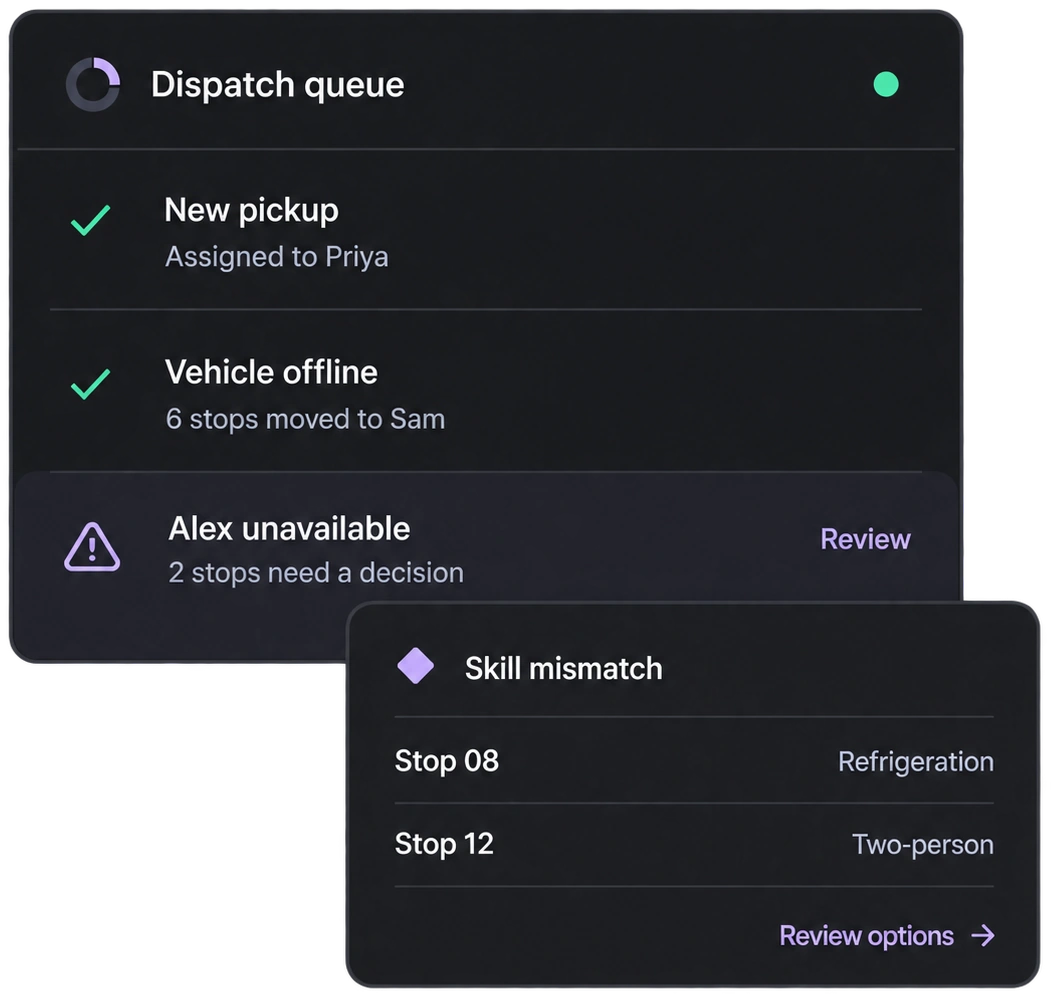
ROUTE PLANNING
Build a day your team can actually finish.
Plan multi-stop routes around time windows, skills, capacity, and recurring work — before anyone leaves the yard.
Explore route planning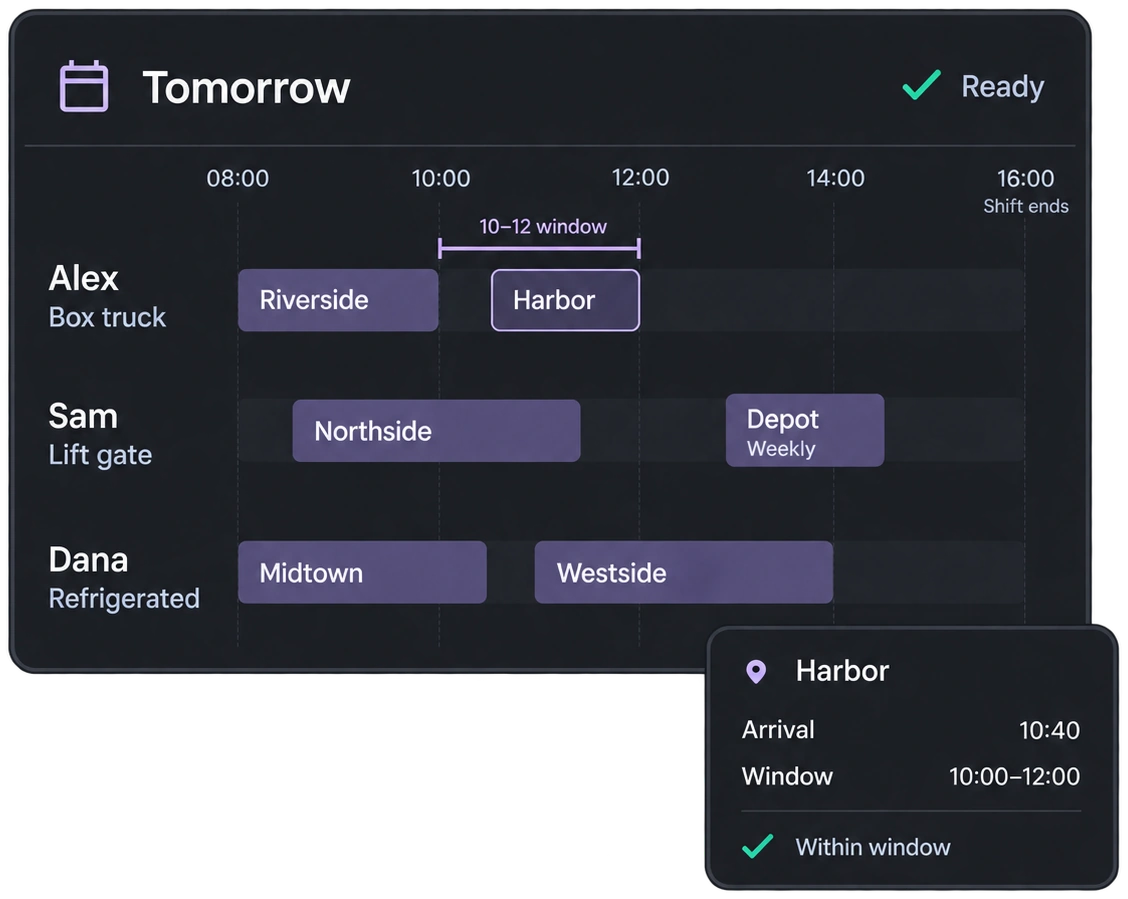
NOTIFICATIONS
Customers stay informed when the plan moves.
Send ETAs and updates that match the live day — so a change on the road doesn’t become a surprise call.
Explore notifications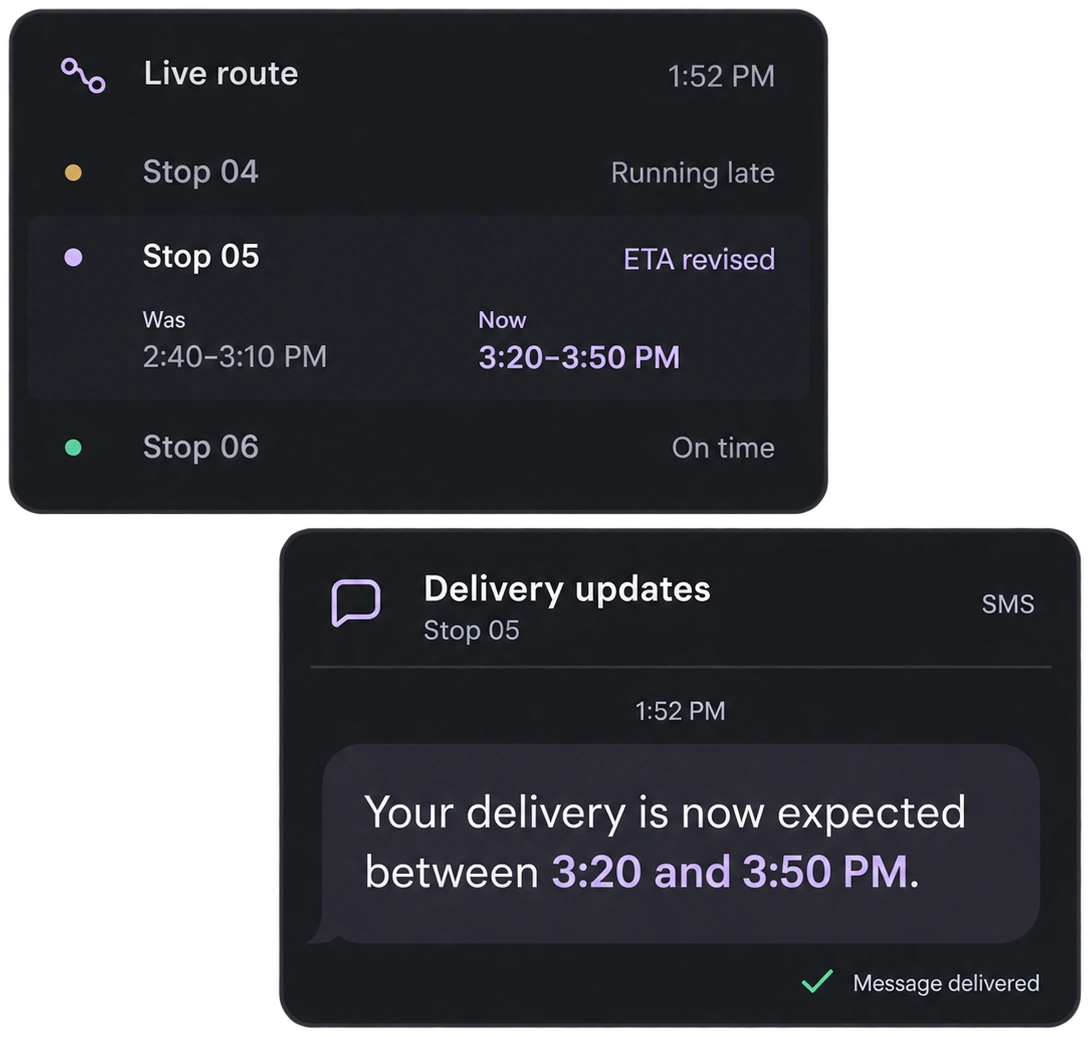
YOU STAY IN CONTROL
AI follows your rules. You stay in control.
You set how work should be assigned. Upper runs inside those rules and keeps the day moving. Your team stays in charge of what gets decided.
- Dispatch
- Exceptions
- Capacity
- Replan
- Priorities
- Review
01 Configure
Assignment rules
The boundaries for every match.
New stop · Riverside depot
02 Evaluate
Find a suitable match
Check the work against your setup.
03 Route the decision
Assignment proceeds
Eligible work moves ahead.
Your team decides
The proposed assignment and its reasons come to you.
Pending your decision.
BUILT FOR YOUR ROUTES
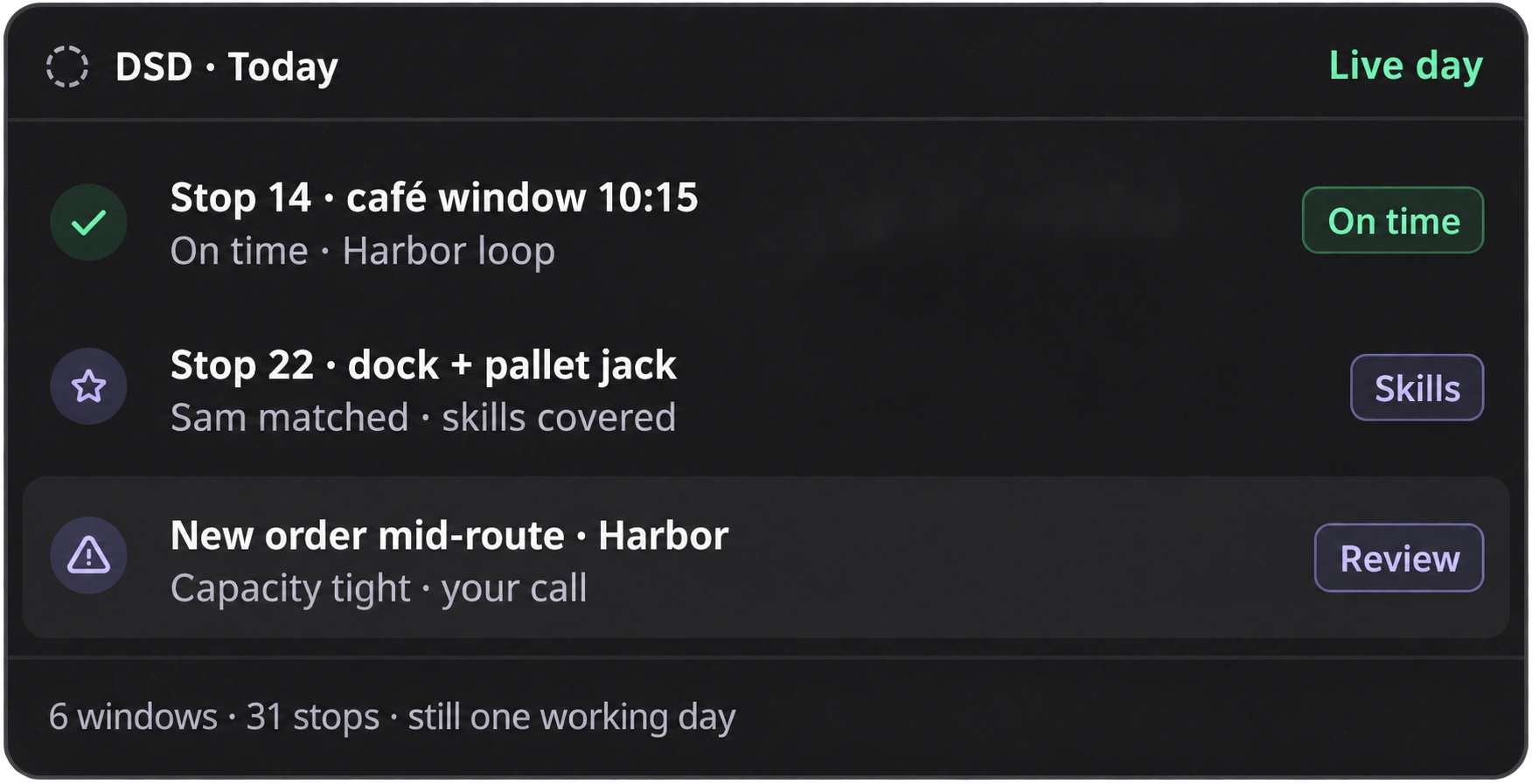
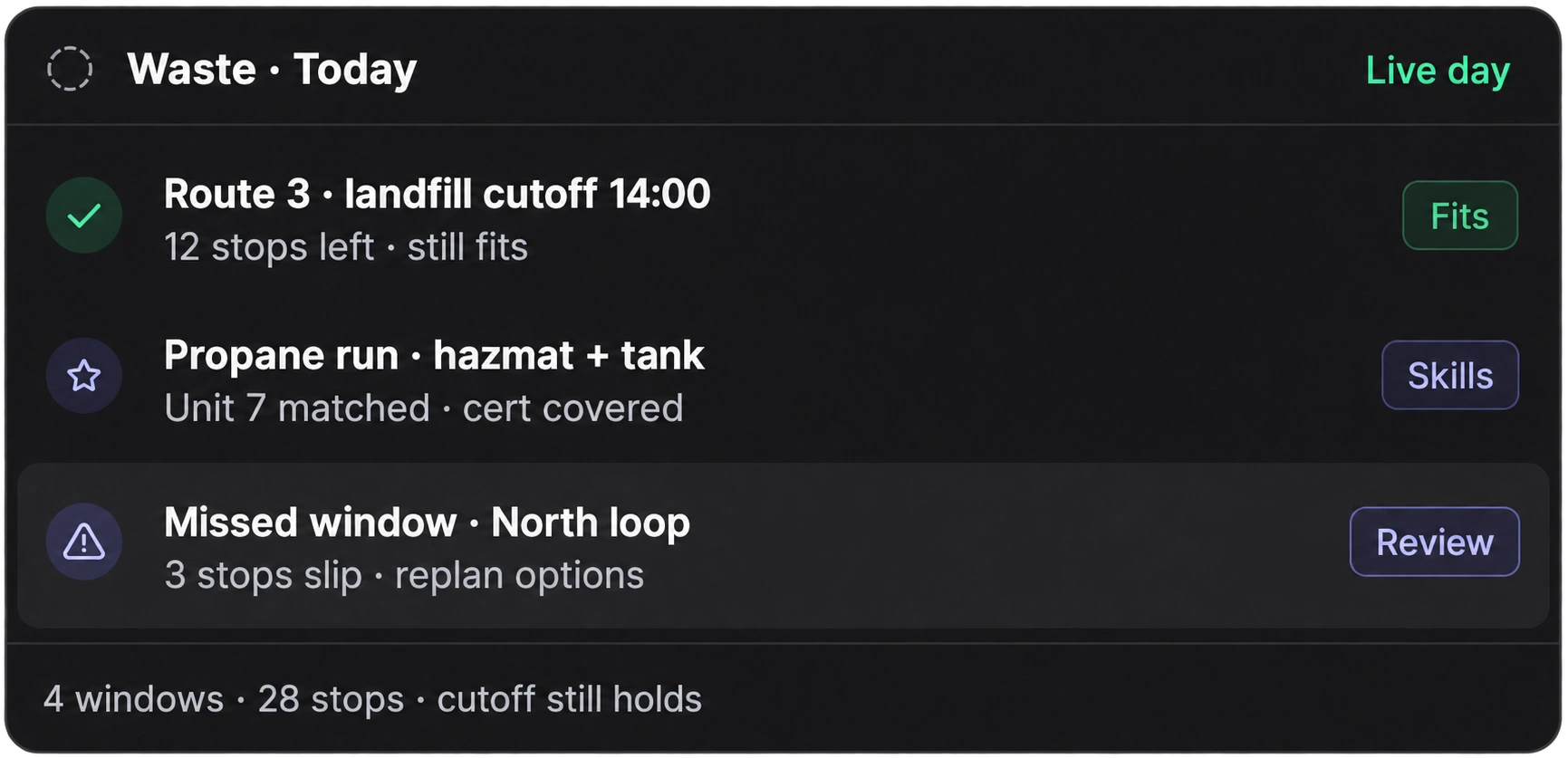
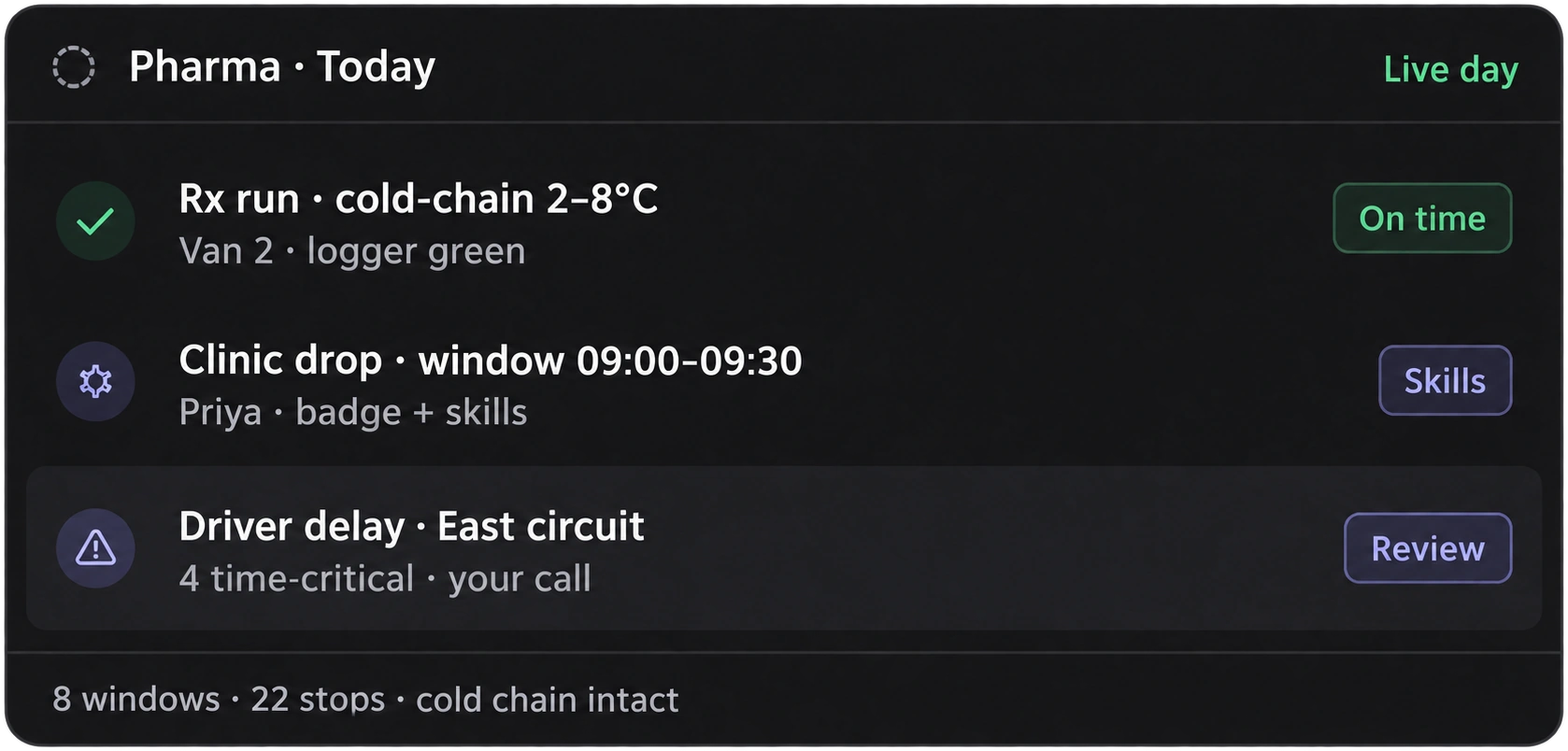
Made for multi-stop operations — not every trade under the sun.
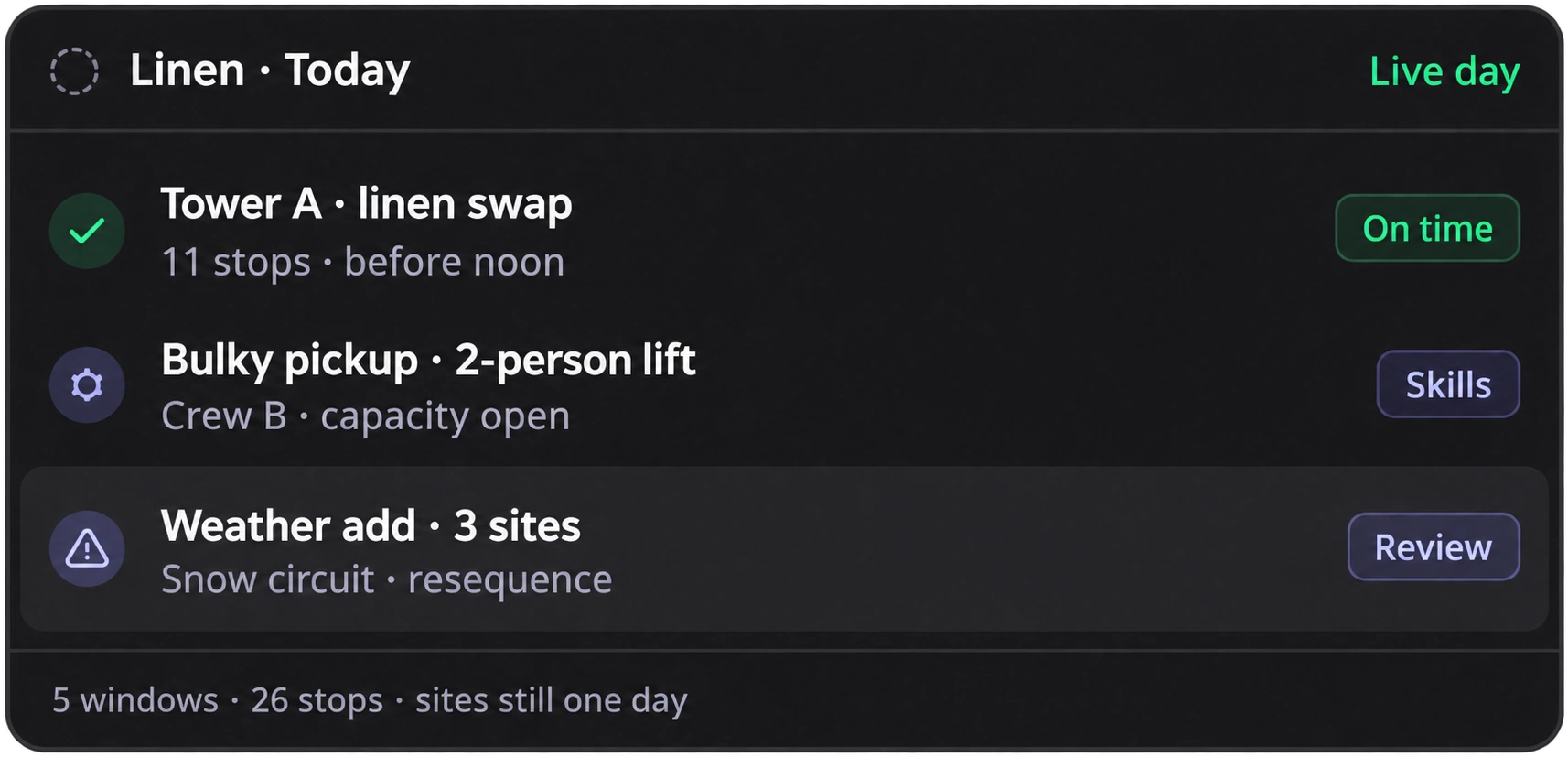
Upper fits days with lots of stops, tight windows, and plans that change.
WHY UPPER
One suite for the whole day — not a stack of route tools.
Planning, live assignment, notifications, and AI sit on the same working day. Fewer handoffs. Fewer full-day rebuilds.
Book a demo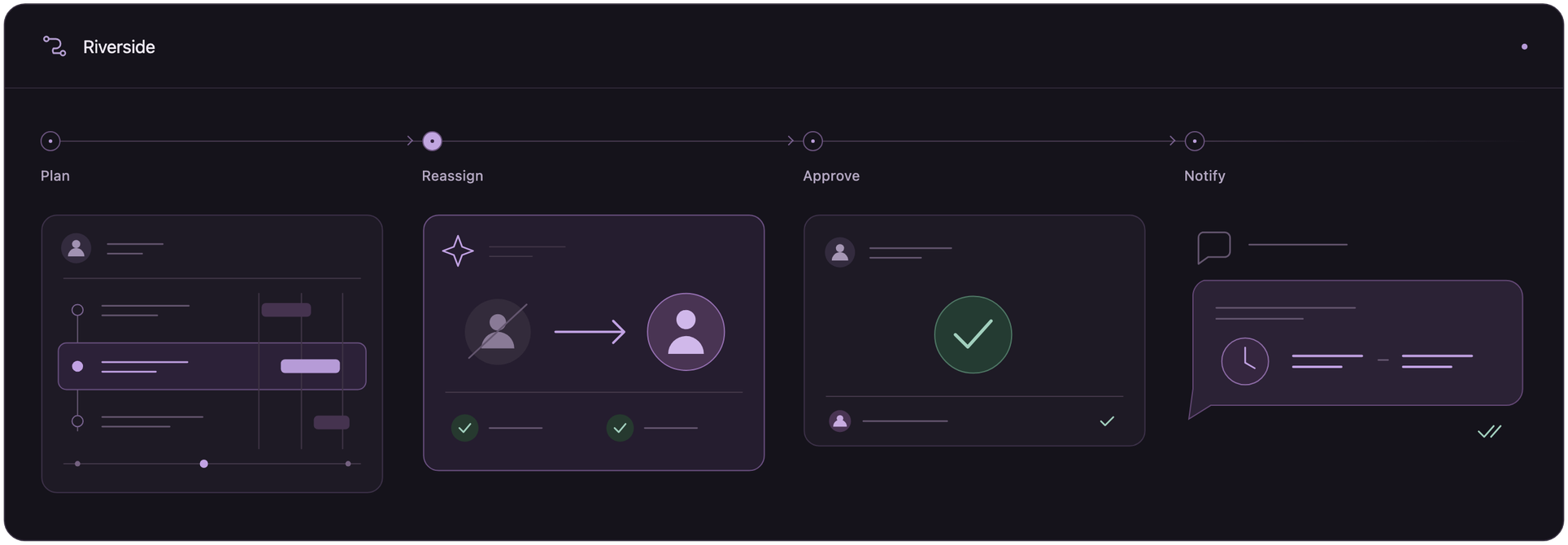
FROM TEAMS LIKE YOURS
They stopped rebuilding the day by hand.
MedDirect Supply
Medical supplies
MedDirect Supply reports 50 minutes saved per driver, per day, and delivery-window violations falling from 12% to 1.8%.
50 min saved per driver, per day
Read storyCrispLinen
Linen & uniform rental
CrispLinen reports $72,000 in annual fuel savings and a 96% on-time rate after cutting overlap across its delivery routes.
96% reported on-time rate
Read storyWishlist.Delivery
Multi-stop delivery
Wishlist.Delivery reports daily route planning down from 3–4 hours to about 30 minutes.
83% less time spent planning routes
Read storyPRODUCTS BY UPPER
One driver, a team of routes, or AI dispatch. Choose your Upper.
Choose the Upper product for the work you need done.
Upper Solo
Plan the route you drive.
Put your stops in an efficient order and follow the route from your phone.
Explore SoloUpper for Teams
Plan and manage your team’s routes.
Route optimization software for multi-driver teams. Send plans to drivers’ phones, track progress, capture proof of delivery, and keep customers updated.
Explore Route PlannerAI Dispatcher
Delegate routine dispatch decisions.
Assign stops, review explained recommendations, and configure agents to help with assignments, disruptions, and unfinished work.
Explore AI dispatch for assignments and disruptionsA NOTE FROM UPPER
A good plan still has to survive the afternoon.
Most software helps you draw a clean route in the morning. The real work starts when a driver is out, a stop runs long, or new jobs show up.
Upper is built for that part of the day — so the plan can change without your team starting over.
— Riddhi, CEO
QUESTIONS
Route operations software, answered.
What is Upper?
Upper is a suite for multi-stop operations: route planning, dispatch, notifications, and AI that helps run the day.
How is Upper different from route optimization?
Route optimization builds a plan. Upper helps you run that plan and change it when the day breaks.
What is AI Dispatcher?
It’s the new tool for dispatch teams — AI that assigns work using your rules and only pulls your team in for the important stuff. Full detail lives on our AI dispatch software page.
Do we have to turn everything on at once?
No. You set the rules. Upper runs inside them. Your team stays in control of what gets decided.
Which industries do you support?
Multi-stop logistics verticals — waste, distribution, fuel, medical routes, and more. See all industries.
Is Upper the same as Fieldcamp?
Related products, different focus. Upper is for route-dense logistics. Fieldcamp is for field service trades.
See tomorrow’s day in Upper.
Bring a real day to the demo — the messy one, not the perfect one.